

Audit-Ready Vendor Files: The SME Evidence Checklist for GDPR, SOC 2, and Internal Controls

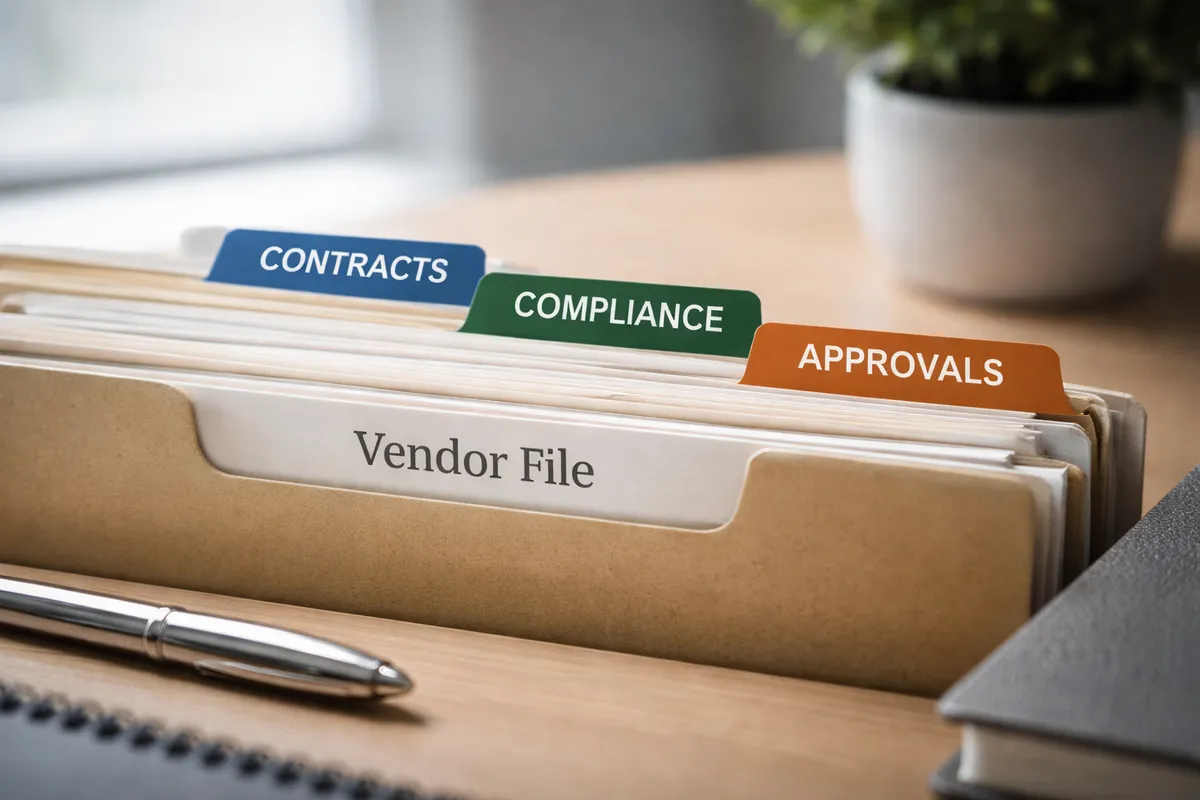
Table of Contents
Audit-Ready Vendor Files: The SME Evidence Checklist for GDPR, SOC 2, and Internal Controls
Your vendor management workflow is only as strong as the evidence trail behind it. When auditors ask for proof of due diligence, they do not want scattered emails or outdated contracts. They want a complete, organized file that shows who approved what, when, and why. For SMEs in procurement and finance, building audit-ready vendor files is not about bureaucracy. It is about reducing risk and saving time during reviews. This guide gives you a practical, diagnostic checklist to structure your evidence package by vendor tier. We cover what to store, who owns it, and how to avoid common gaps that trigger audit findings. If you are preparing for SOC 2, GDPR, or internal control testing, this framework helps you focus effort where it matters most.
What “Audit-Ready” Really Means for Vendor Files
Audit-ready means your vendor documentation can withstand scrutiny from internal auditors, external assessors, or regulators without last-minute scrambling. Auditors typically ask for three things first: proof of risk assessment, evidence of contractual controls, and a clear approval trail. They want to see that you evaluated the vendor before onboarding, that contracts include required clauses like GDPR data processing terms, and that someone with authority signed off.
The evidence package mindset shifts your focus from collecting documents to proving control. Instead of saving a contract PDF somewhere, you log when it was reviewed, who approved it, and what risk mitigations were applied. This approach satisfies SOC 2 requirements for change management and GDPR accountability principles. It also makes internal control testing faster and less disruptive. For SMEs with limited compliance resources, this diagnostic approach prevents wasted effort on low-risk vendors while ensuring critical suppliers receive appropriate scrutiny.
The Vendor File: A Practical Folder Structure
Start with a consistent folder structure that scales. Organize by vendor name or ID, then create subfolders for contracts, compliance docs, risk reviews, and approval logs. This makes retrieval predictable during audits. Digital storage with version history is strongly preferred over physical files or unstructured shared drives. Cloud-based systems with audit trails provide the version control auditors expect.
Tier your documentation effort by vendor risk. Not every supplier needs the same depth of evidence. Focus your energy where it matters most: vendors handling personal data, critical operations, or high spend. This risk-based approach aligns with both GDPR principles of proportionality and SOC 2 focus on relevant controls. It also helps procurement teams prioritize limited resources effectively.
| Vendor Tier | Risk Profile | GDPR Docs | SOC 2 Evidence | Internal Control Proofs | Review Frequency |
|---|---|---|---|---|---|
| Tier 1: Critical | Handles EU personal data, core systems | Signed DPA, Art. 28 clauses, sub-processor list | Current SOC 2 Type II report, remediation tracking | Risk assessment, business case, multi-level approval | Quarterly |
| Tier 2: Operational | Limited data access, important services | DPA if any personal data processed | SOC 2 Type I or ISO 27001 cert | Risk review, single approver, spend threshold check | Annually |
| Tier 3: Transactional | No data access, low-value purchases | Basic privacy notice | None required | PO approval, vendor onboarding form | At renewal |
Minimum Required Documents by Vendor Tier
For Tier 1 vendors, your file must include a signed contract with data protection clauses, a completed risk assessment, and evidence of ongoing monitoring. The GDPR data processing agreement checklist is essential here to ensure all Article 28 requirements are covered. This includes processor obligations, security measures, breach notification procedures, and sub-processor approval workflows. Tier 2 vendors need a contract, basic risk review, and proof of financial approval. Tier 3 vendors require only a purchase order and onboarding form.
Document collection should happen at onboarding, not during audit prep. Build these requirements into your vendor intake process. Require vendors to submit compliance documents before they receive purchase order numbers or system access. This front-loads the work and prevents last-minute gaps. For existing vendors, run a phased remediation project starting with Tier 1 suppliers.
Red flags your vendor files aren’t audit-ready: Missing DPA for EU data vendors, SOC 2 reports older than 12 months, no documented approval for high-risk vendors, shared drive with no version history, offboarded vendors still in active systems, no evidence of periodic risk reviews, unsigned contracts stored separately from metadata.
Evidence Log: Tracking Reviews, Changes, and Approvals
An evidence log is a timestamped record of who reviewed vendor documentation, what changed, and when approvals were granted. This prevents “stale proof” where a document was valid once but is now outdated. Your vendor management workflow SOP should specify how updates are logged and who is notified. This log becomes your audit trail, demonstrating continuous monitoring rather than one-time checkbox compliance.
Version control is non-negotiable. When a contract is amended or a risk rating changes, the log should capture the old version, new version, reason for change, and approver. This satisfies SOC 2 change management controls and provides clarity during internal audits. Simple tools like spreadsheet templates with required fields can work for smaller teams, but automated systems reduce human error and ensure consistency.
Approvals and Risk Exceptions: Documenting Decisions
Not every vendor will meet your ideal risk profile. When you accept a higher-risk vendor, document the business justification, mitigating controls, and who approved the exception. This risk acceptance log is critical for auditors. It shows deliberate decision-making rather than oversight. Include the date, business reason, compensating controls, and review date for re-assessment.
Approval workflows should match vendor tier. Tier 1 vendors might require procurement, finance, and legal sign-off. Tier 3 vendors may only need a manager approval. The key is consistency and auditability. Tools that automate approval routing reduce the chance of skipped steps. They also create the timestamped evidence auditors expect without manual follow-up.
30-minute vendor file health check: Pick 5 random Tier 1 vendors, verify DPA is signed and dated, confirm last risk review was under 12 months ago, check approval trail exists for contract value, validate offboarding steps for any terminated vendors.
Retention and Offboarding: What to Keep and For How Long
GDPR requires you to delete personal data when it is no longer needed, but audit standards often require retaining contracts and approvals for several years. Resolve this tension by separating personal data from contractual evidence. Keep the contract and approval logs per your audit policy, but securely delete any embedded personal data not required for legal defense. Document this separation process for auditors.
Offboarding is where many organizations fail. When a vendor relationship ends, you must remove system access, recover company data, and confirm contract termination. Document each step. Keep proof of access removal for security audits. Retain final invoices and closure confirmations for financial audits. But delete vendor contact personal data unless required for ongoing legal matters.
| Document Type | GDPR Requirement | SOC 2 Requirement | UK/US Audit Standard | Recommended Retention |
|---|---|---|---|---|
| Signed Contract | Keep per legal need | Retain for control evidence | 7 years typical | 7 years post-termination |
| Data Processing Agreement | Delete when processing ends | Retain for compliance proof | 6 years | 6 years post-termination |
| Risk Assessment | Delete if contains personal data | Retain for risk management | 5 years | 5 years |
| Approval Logs | Anonymize if personal data | Retain for change tracking | 7 years | 7 years |
| SOC 2 Reports | N/A | Current report required | N/A | Keep current + 1 prior |
| Offboarding Records | Delete personal data | Retain proof of access removal | 3 years | 3 years |
Ownership: Who Maintains and Who Can Edit
Clarity on ownership prevents gaps. Procurement typically owns contract collection and initial risk review. Finance owns approval trails and spend validation. Legal owns DPA and clause negotiation. IT or Security owns technical risk assessments. A vendor management system like those discussed in our SME vendor management systems guide can centralize access while enforcing role-based permissions.
Use a simple RACI model to document responsibilities. This prevents the “I thought you were handling that” problem during audits. Review ownership assignments annually, especially after team changes. Ensure backup owners are designated to avoid single-point dependencies.
| Task | Procurement | Finance | Legal | IT/Security | Vendorfi Platform |
|---|---|---|---|---|---|
| Collect contracts | A/R | C | C | I | Supports |
| Risk review | R | C | I | A/R | Automates reminders |
| Approval logging | C | A/R | I | I | Tracks workflow |
| Retention enforcement | I | I | A | R | Enforces policies |
| Offboarding steps | R | C | I | A/R | Triggers access review |
Common Failure Modes and How to Prevent Them
The most common gaps we see: missing DPAs for EU vendors, expired SOC 2 reports, and orphaned access after offboarding. Prevent these by setting calendar reminders for renewal dates, using a procurement process assessment to spot control weaknesses, and automating offboarding checklists. Simple controls like mandatory fields in your vendor intake form catch missing documents early.
Another frequent issue: storing evidence in multiple locations. Contracts in email, approvals in Slack, risk reviews in spreadsheets. This fragmentation creates audit risk. Centralize your evidence repository, even if it starts as a well-structured shared drive with clear naming conventions. Document the structure so any team member can find what auditors request.
Conclusion
Building audit-ready vendor files is a diagnostic exercise, not a paperwork marathon. Start by tiering your vendors, then apply the documentation matrix above. Focus on evidence that proves control: approvals, risk reviews, and contractual safeguards. Regular health checks prevent last-minute audit stress. If manual processes are creating gaps, tools like Vendorfi can automate evidence collection and retention policies, freeing your team to focus on strategic vendor relationships. Explore how our platform streamlines compliance at Vendorfi.
FAQ
How do I know if our vendor files would pass an audit tomorrow? Pick five Tier 1 vendors at random. If you can produce a signed contract, current risk review, and approval trail for each within 15 minutes, you are likely audit-ready. If not, focus on those gaps first. Run this check quarterly to maintain readiness.
Can we use a shared drive for audit evidence, or do we need a dedicated system? You can start with a structured shared drive if it has version history and access logs. But dedicated systems reduce human error and automate reminders, which auditors view favorably. Evaluate your team size and audit frequency before deciding.
Who should own the vendor file: procurement, finance, or legal? Procurement usually owns the master file, but finance approves spend and legal reviews contracts. Use a RACI model to clarify who does what. Avoid single-person dependency by designating backup owners for critical tasks.
What’s the fastest way to spot missing documentation across our vendor list? Run a 30-minute health check: sample five critical vendors and verify DPA, risk review, and approval exist. Scale this quarterly to catch gaps early. Automate reminders for renewal dates to prevent expiration gaps.
How long should we keep vendor contracts after a relationship ends? Keep contracts for 7 years post-termination for audit and legal defense. Delete embedded personal data not required for that purpose to comply with GDPR. Document your retention policy and apply it consistently.
Manage your entire vendor lifecycle, from procure to pay - for free.
See how Vendorfi's automated platform can help you manage risk and reduce spend across your entire vendor portfolio.